


Great RP lives or dies on tiny details: pacing, voice, and how reliably the bot stays “in character.” In Janitor AI, those qualities are controlled by a handful of roleplay settings—so you can turn a stiff chat into an immersive scene fast. Below are practical defaults, plain-English definitions, and quick fixes for repetition and drift.
Introduction — Why settings matter for RP quality
Janitor AI is an AI chatbot workspace where you combine character customization (cards/prompts) with API settings and a model that generates text by sampling tokens. Dials like temperature, top_p, and max tokens don’t change your story’s facts—they change how the model chooses words and how long it talks. Most improvements you feel in Janitor AI come from tuning these three dials first.
Essential Janitor AI settings explained
Temperature
Temperature is the “creativity dial.” Lower is steadier; higher is more spontaneous (and more likely to go weird).
Starter range for Janitor AI: 0.45–0.85.
top_p (nucleus sampling)
top_p limits choices to the most likely tokens that add up to probability p. Many API references recommend adjusting temperature or top_p, not both, because they overlap.
Starter range for Janitor AI: 0.88–0.96.
Max tokens (reply length)
Max tokens caps how long the next reply can be and helps manage context limits and cost.
Starter range for Janitor AI: 450–750.
Repetition controls
You may see repetition penalty or frequency/presence penalty depending on the backend. Either way, it reduces echoing and loops.
Context size (memory budget)
Context = character info + chat history + the new reply. Bigger context helps continuity, but only if the model supports it—otherwise you’ll hit a context-length error.
Best Janitor AI RP Bot Settings for Immersive Conversations
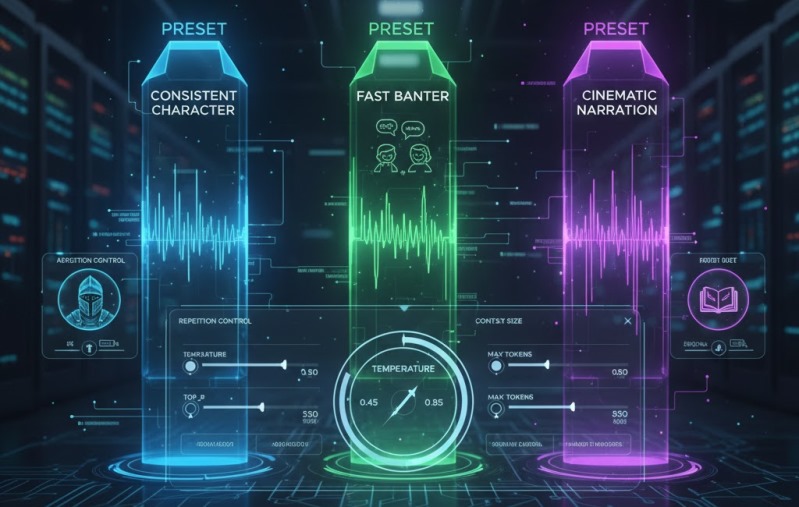
Pick a preset, then tweak one dial at a time.
Preset A: Consistent character (most users)
- Janitor AI temperature: 0.45
- Janitor AI top_p: 0.90
- Janitor AI max tokens: 550
- Janitor AI repetition control: slightly up
- Janitor AI context size: model-supported max
Preset B: Fast banter (chemistry + speed)
- Janitor AI temperature: 0.80
- Janitor AI top_p: 0.92
- Janitor AI max tokens: 350
- Janitor AI repetition control: moderate
Preset C: Cinematic narration (dialogue + description)
- Janitor AI temperature: 0.60
- Janitor AI top_p: 0.95
- Janitor AI max tokens: 800
- Janitor AI repetition control: low–moderate
Quick checklist before you tweak again
If it feels off, run this 20-second test: send a short prompt that asks for two lines of dialogue and one sensory detail. If Janitor AI still rambles, your max tokens is too high. If Janitor AI answers blandly, raise temperature by 0.05–0.1. If it repeats, bump repetition control slightly.
If Janitor AI gets chaotic: lower temperature or lower top_p. If Janitor AI monologues: lower max tokens first.
Pro Tips Most Users Miss
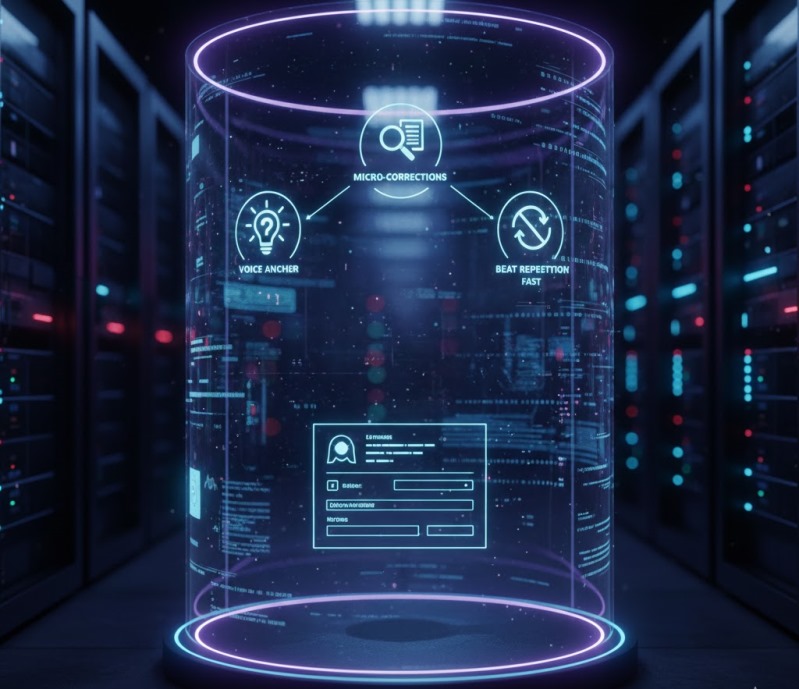
Voice anchor (tiny, powerful)
In your character card, add 4–6 rules Janitor AI can execute:
- POV (first person, don’t control the user)
- tone (dry humor, slow-burn, poetic)
- pacing (short lines vs descriptive paragraphs)
Micro-corrections beat lectures
When Janitor AI drifts, correct one behavior: “Stay in first person and stop narrating my actions.” Short, specific nudges steer Janitor AI better than big rewrites.
Beat repetition fast
If Janitor AI loops:
- raise repetition control slightly
- reduce max tokens 10–20%
- add one rule: “Avoid repeating phrases.”
Common mistakes to avoid
- Setting temperature and top_p both high, then blaming Janitor AI for inconsistency.
- Stuffing lore into the card instead of actionable rules.
- Letting chats bloat: paste a 5-line “Story so far” so Janitor AI keeps the essentials.
Pros and Cons
Pros
- Character customization helps Janitor AI stay “on voice.”
- API settings let Janitor AI work with different models.
Cons
- Best numbers vary by model/provider.
- Bigger context and longer replies can cost more and trigger context issues.
- It takes a few test messages to dial in Janitor AI.
Conclusion
When you tune Janitor AI the right way, roleplay instantly shifts from messy replies to clean, immersive scenes. Start by capping max tokens to stop rambling, then adjust temperature (or top_p) to balance creativity with consistency. Strengthen character customization with a few strict voice rules, and use light repetition controls to kill loops. Test one setting at a time, save your winning preset, and Janitor AI will deliver sharper dialogue, better pacing, and stronger in-character continuity.
FAQs
1) Best beginner temperature in Janitor AI?
Answer: Start at 0.6, then adjust.
2) Temperature or top_p—which first?
Answer: Pick one; don’t tune both together.
3) Ideal max tokens for RP?
Answer: 450–750 for most scenes.
4) How do I handle a context length error in Janitor AI?
Shorten messages, lower max tokens, and summarize older history.
5) Quickest immersion upgrade?
Answer: Voice anchor + a sensible cap so Janitor AI doesn’t monologue.
